How to Choose Educational Apps Kids Actually Love

Match apps to your child’s interests and learning style first—a dinosaur-loving visual learner needs different content than a building-obsessed hands-on explorer. Look for balanced education and entertainment with meaningful rewards tied to actual learning, not just virtual coins. Check age ratings but test the difficulty yourself, since your child’s abilities matter more than suggested ranges. Read parent reviews to spot real issues marketing won’t reveal, and always try free trials before purchasing. The strategies below will help you find apps that truly engage your child.
Key Takeaways
- Match apps to your child’s interests and learning style, whether visual, hands-on, or auditory, for natural engagement.
- Prioritize educational value with game-based elements like rewards, levels, and interactive storytelling that balance fun with learning.
- Preview apps for age-appropriate content, adaptive difficulty, and constructive feedback that helps children understand mistakes meaningfully.
- Use free trials and lite versions to test multiple apps simultaneously, observing your child’s engagement before purchasing.
- Read parent reviews to identify patterns in real experiences, compatibility issues, and whether apps deliver on their promises.
Start With Your Child’s Current Interests and Learning Style

When children engage with content that genuinely excites them, they’ll naturally spend more time learning and retain information better. That’s why you should identify your child’s current interests before downloading any app. Does your kid love dinosaurs, space exploration, or building things? Look for educational apps that incorporate these passions into their lessons.
You’ll also want to consider different learning styles. Some children thrive with visual demonstrations, while others prefer hands-on interactive activities or audio instructions.
Watch how your child approaches new information naturally. A visual learner might excel with apps featuring colorful diagrams and animations, whereas kinesthetic learners need apps with drag-and-drop features and touchscreen interactions.
Match the app to how your child naturally learns—visual, hands-on, or auditory—for maximum engagement and retention.
Matching apps to both interests and learning styles creates an engaging educational experience your child will actually enjoy.
Look for Apps That Balance Education With Entertainment
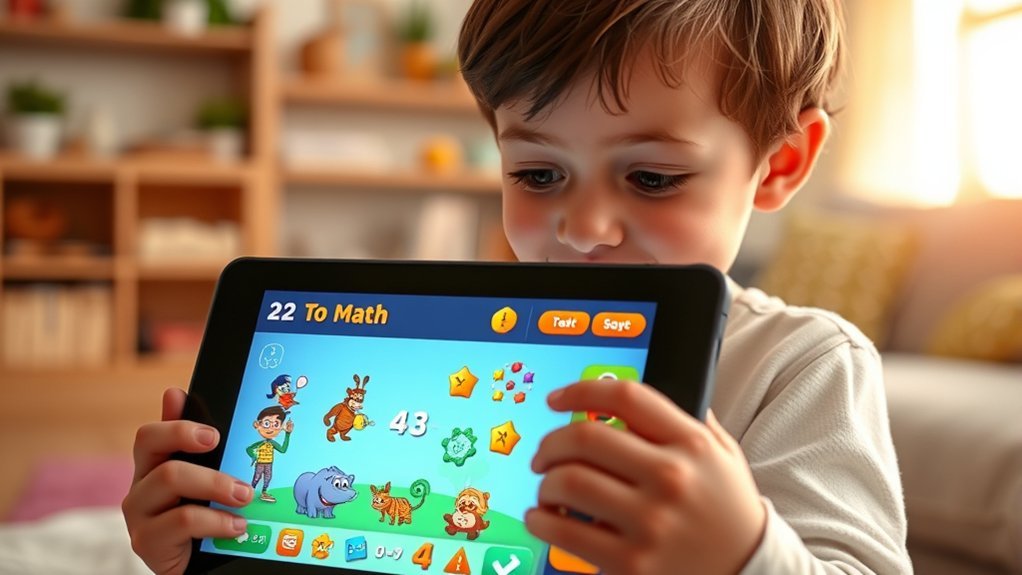
While educational value should be your top priority, the best learning apps keep kids engaged through entertaining elements. Game based learning transforms educational content into compelling challenges that motivate children to progress naturally.
Look for apps featuring rewards, levels, and achievements that celebrate learning milestones without overwhelming the educational purpose.
Interactive storytelling creates immersive experiences where your child actively participates in narratives while developing literacy and critical thinking skills. These apps let kids make choices that affect story outcomes, keeping them invested in the learning process.
Strike a balance between fun and substance. Apps shouldn’t feel like disguised worksheets, but they shouldn’t prioritize entertainment over learning either.
Test apps yourself first. If they’re engaging without being distracting, you’ve found winners your kids will actually use.
Check Age Appropriateness Beyond the Suggested Range

Age ratings on educational apps provide helpful starting points, but they shouldn’t be your only guideline. Your child’s actual abilities and interests may differ significantly from their age group’s average.
Preview the app yourself to assess content relevance for your specific child’s developmental stage. Some kids excel beyond their years in certain subjects, while others need more foundational support. A math app rated for eight-year-olds might frustrate your seven-year-old or bore your advanced nine-year-old.
Look beyond simple age verification systems and examine the actual skills required. Consider your child’s attention span, reading level, and subject knowledge. Watch how they interact with similar apps.
Test the app’s difficulty progression—the best educational apps adapt to individual learning speeds, ensuring appropriate challenges regardless of the suggested age range.
Test the App’s Progression System and Difficulty Levels

How does the app respond when your child answers incorrectly three times in a row? Quality educational apps adapt to your child’s performance rather than frustrating them with impossible progression challenges.
You’ll want to observe how the app handles difficulty adjustments during actual use.
Test these key aspects:
- Adaptive pacing – Does it slow down when your child struggles or speed up when they’re succeeding?
- Skill scaffolding – Are new concepts introduced gradually with proper support?
- Failure recovery – Does it offer hints, tutorials, or alternative approaches after mistakes?
- Progress visibility – Can you track which skills your child has mastered?
The best apps maintain engagement by keeping content challenging yet achievable, preventing both boredom and discouragement through intelligent difficulty adjustments.
Evaluate the Quality of Feedback and Rewards
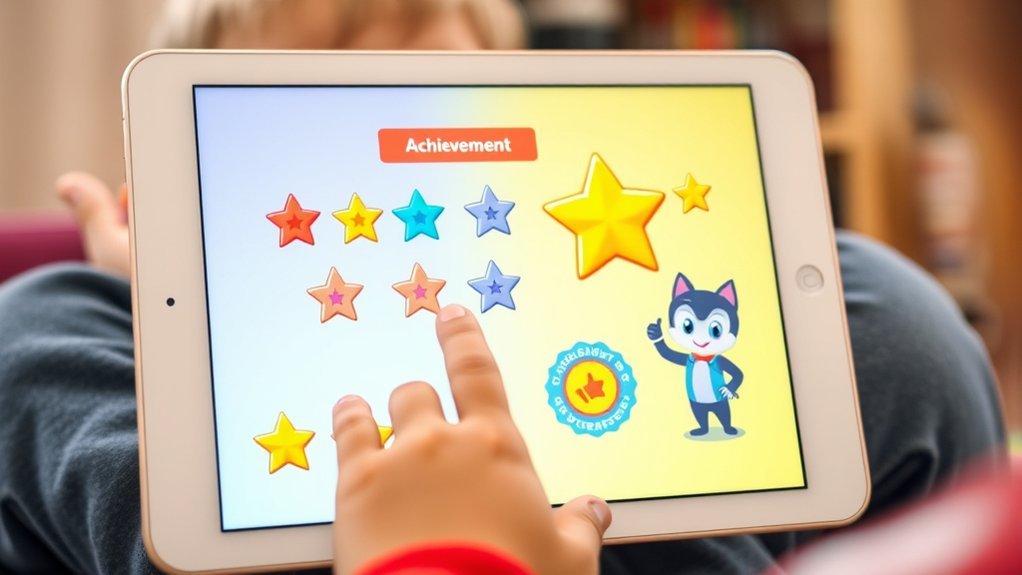
When your child solves a problem correctly, the app’s response reveals its educational philosophy. Quality feedback mechanisms should explain why answers are right or wrong, not just mark them with checkmarks or X’s.
Look for apps that provide constructive guidance, helping kids understand their mistakes and learn from them.
Examine the reward systems carefully. Effective apps balance motivation with learning, offering praise that reinforces effort and progress rather than just completion.
Avoid apps that rely heavily on extrinsic rewards like virtual coins or prizes, as these can shift focus from learning to collecting. Instead, choose apps where the satisfaction comes from mastering new skills and solving increasingly challenging problems.
The best rewards feel meaningful and connected to actual achievement.
Review Parent Controls and Progress Tracking Features

Beyond what happens during your child’s learning sessions, you’ll want visibility into their overall progress and the ability to set appropriate boundaries.
Strong parental controls let you manage screen time, restrict in-app purchases, and filter age-appropriate content. Meanwhile, progress tracking shows you exactly what skills your child’s developing and where they might need extra support.
Effective parental controls and detailed progress tracking help you support your child’s learning journey while maintaining healthy digital boundaries.
Look for these essential features:
- Detailed activity reports showing time spent and topics covered
- Skill mastery indicators that highlight strengths and growth areas
- Customizable time limits you can adjust by day or week
- Multi-child profiles if you’re managing learning for siblings
Apps with robust parental controls and progress tracking give you confidence that learning stays on track without constant supervision.
Consider Offline Accessibility and Ad-Free Options

While educational apps offer tremendous learning potential, distractions and connectivity issues can derail even the best intentions. You’ll want to prioritize apps with offline features so your child can learn during car rides, flights, or anywhere without reliable internet. This ensures consistent access to educational content regardless of connectivity.
Equally important is selecting an ad free experience. Ads interrupt learning flow and expose kids to inappropriate content or manipulative marketing tactics. Free apps often bombard users with advertisements, while premium versions eliminate these distractions entirely.
Look for apps that clearly state their offline capabilities and ad policies upfront. Many quality educational apps offer one-time purchase options or subscriptions that remove all advertisements.
This investment protects your child’s focus and creates an uninterrupted learning environment where they can fully engage with educational material.
Read Reviews From Other Parents, Not Just Ratings

Star ratings tell only part of the story when evaluating educational apps for your child.
You’ll discover valuable insights by reading detailed parent experiences that reveal how apps perform in real-world situations.
Look beyond the numbers to understand what actually works.
Focus on reviews from trusted sources that mention:
- Age appropriateness accuracy – Does the app match your child’s developmental level?
- Engagement duration – How long do kids stay interested before losing focus?
- Educational value delivery – Are children actually learning, or just entertained?
- Technical issues – Do parents report crashes, bugs, or compatibility problems?
Read both positive and negative reviews to spot patterns.
Parents who’ve tested apps with their own children provide honest feedback you won’t find in marketing descriptions.
Try Before You Buy With Free Trials or Lite Versions

Why spend money on an app your child might ignore after five minutes? Free trials and lite versions let you test-drive apps before committing your money.
These trial experiences give your child hands-on time with the actual interface, games, and learning activities.
Trial versions let kids explore real features and activities before you spend a single dollar on the full app.
Download several options simultaneously to conduct meaningful app comparisons. Watch how your child interacts with each one.
Do they stay engaged? Are they learning or just tapping randomly? Does the difficulty level match their abilities?
Most quality educational apps offer either free versions with limited content or seven-day trials of premium features.
Take advantage of both. You’ll quickly discover which apps captivate your child’s attention and which ones miss the mark.
This approach saves money and ensures you’re investing in apps they’ll actually use.
In case you were wondering
How Much Daily Screen Time Is Recommended for Educational Apps by Age?
You’ll want to follow age recommendations: no screen time for kids under 18 months, one hour daily for ages 2-5, and consistent limits for older children. Educational apps should complement, not replace, active play and face-to-face interactions.
Can Multiple Children Share One Account With Separate Progress Tracking?
Because nothing says “personalized learning” like lumping siblings together! Seriously though, many quality apps now offer account sharing with separate progress tracking, letting you monitor each child’s individual achievements and learning pace effectively.
Do Educational Apps Work on Both Tablets and Smartphones Equally Well?
Most quality educational apps optimize tablet performance for larger screens and better interaction, while maintaining smartphone accessibility for on-the-go learning. You’ll find tablets offer superior experiences, but smartphones work adequately when you’re traveling or need quick practice sessions.
What’s the Difference Between One-Time Purchase Apps and Subscription-Based Apps?
You’ll pay once for lifetime access with one-time purchase apps, while subscription-based apps require recurring payments. App pricing affects your budget long-term, though subscriptions often provide better user experience through regular content updates and new features.
How Do I Transfer Purchased Apps When Upgrading to a New Device?
Need to move your apps? You’ll simply sign into your same app store account on your new device. Most purchases automatically transfer, though you should check device compatibility issues since some app transfer methods vary between operating systems.
Conclusion
Finding the perfect educational app doesn’t have to feel overwhelming when you follow these strategies. You’ll discover apps that genuinely engage your child while supporting their learning journey. Remember, what works for one child might not work for another, so don’t be afraid to experiment. Ready to transform screen time into meaningful learning? Start by involving your child in the selection process—they’ll be more invested in apps they’ve helped choose, leading to better educational outcomes.